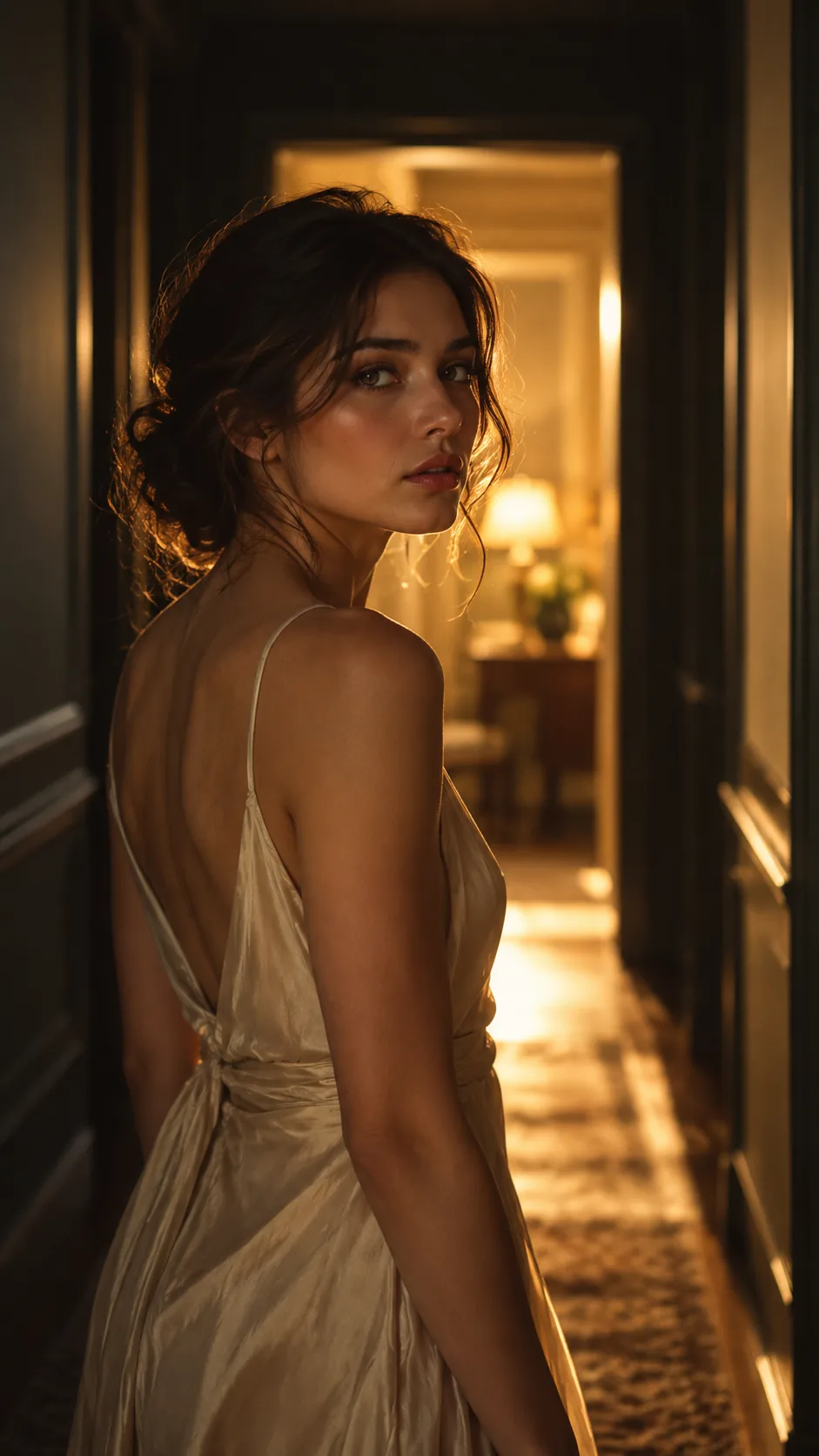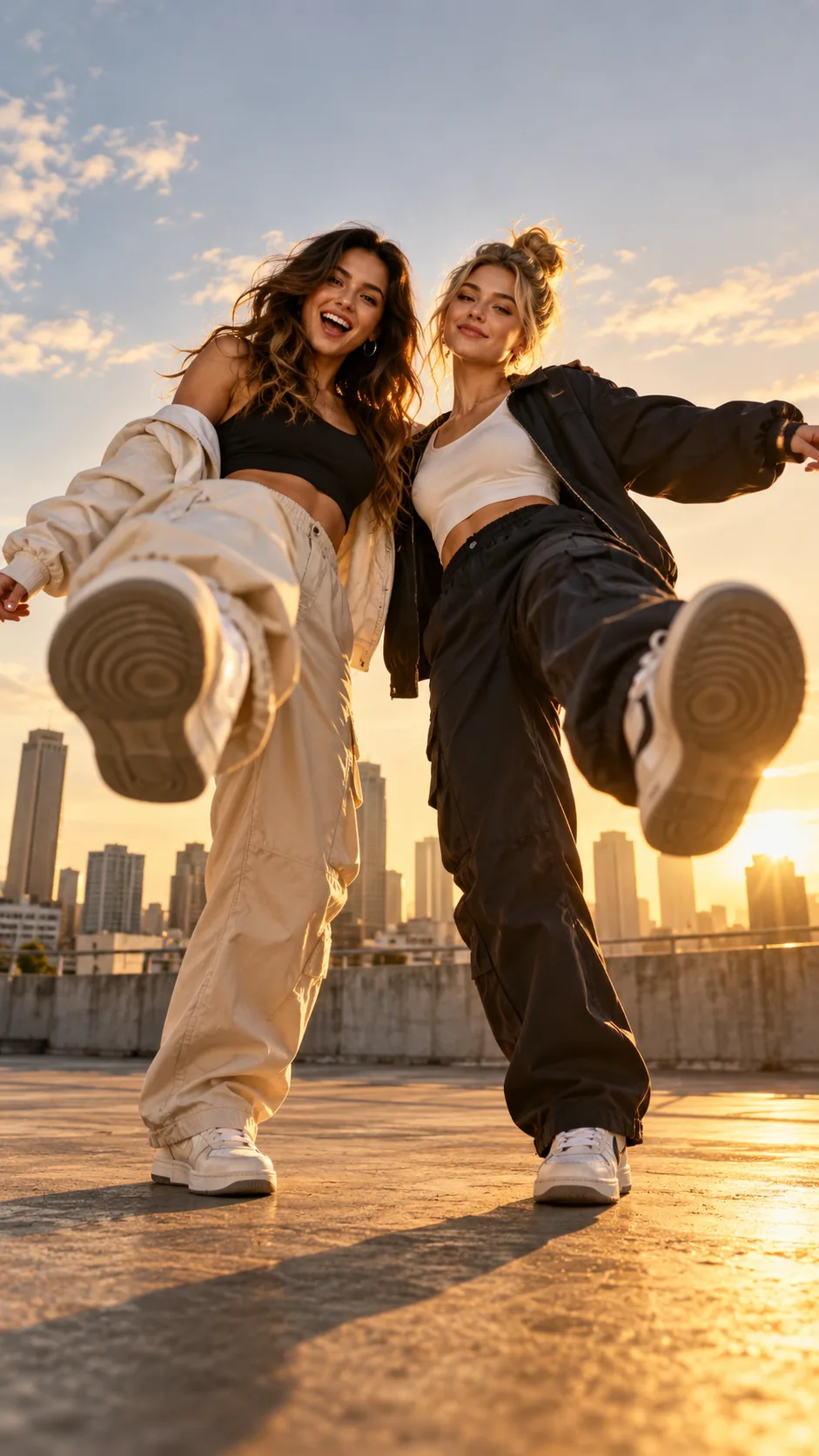
Choose a clear photo
Use a full-body adult photo with a clear silhouette and simple clothing; a playful expression helps the character scene feel intentional.
AI video template
Ballibot Mogis AI turns an adult photo into a whimsical sci-fi character concept inside a toy-like robot world. It is a playful option for character edits, motion experiments, and colorful social posts.
Clear adult photos only · No licensed track or logo included · Independent fan tool
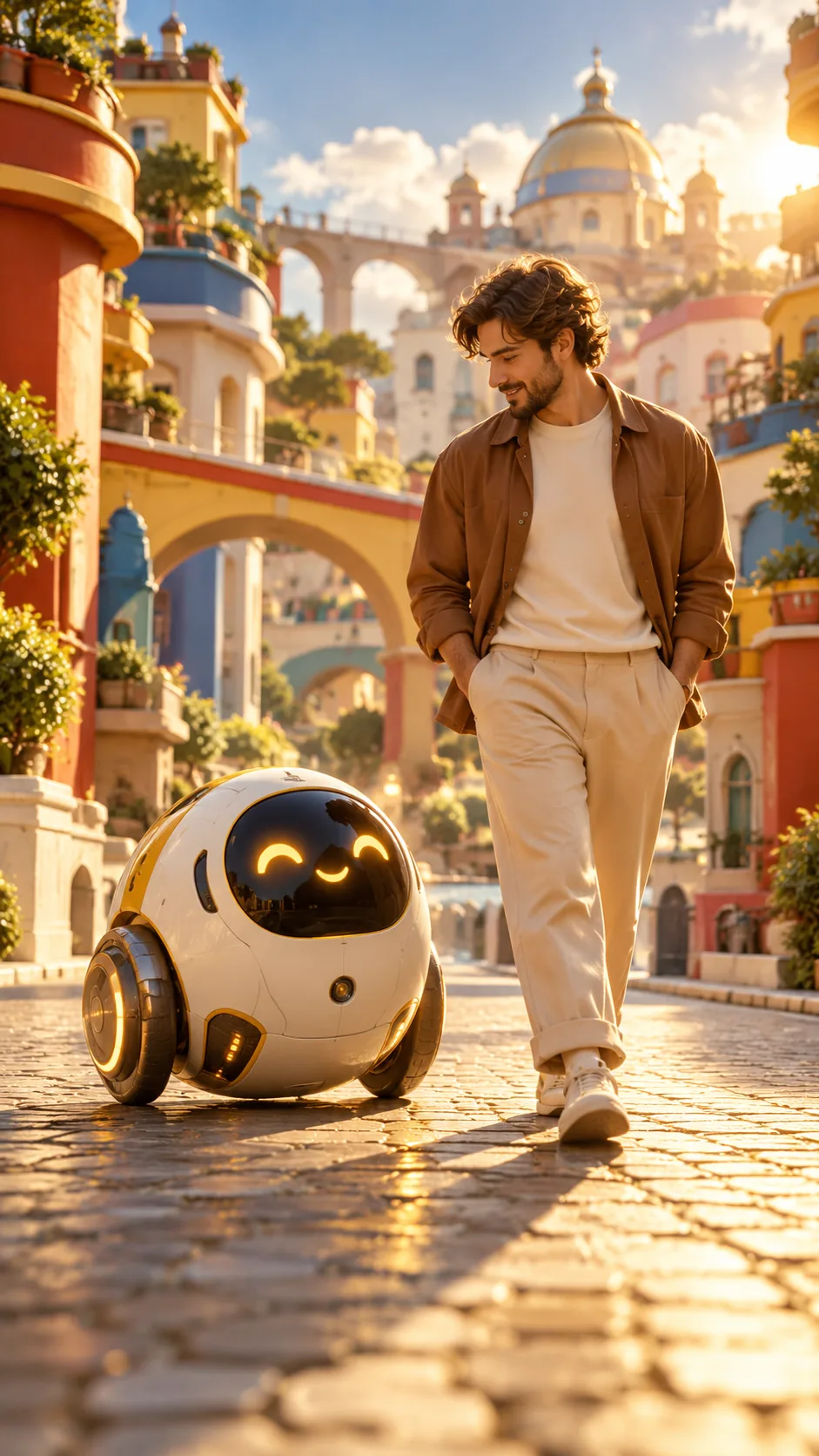 RemixMeme look9:16 preview
The scene
Ballibot Mogis AI turns an adult photo into a whimsical sci-fi character concept inside a toy-like robot world. It is a playful option for character edits, motion experiments, and colorful social posts.
A friendly spherical robot character rolls through a bright miniature city as an adult companion walks beside it, surrounded by glossy primary colors and playful shadows.
The look is locked, so you do not have to build a prompt from scratch. Choose the template, add your photo, review the frame, and continue into the render queue.
Three steps
Start with a clear photo, choose the template, and send the look to the queue. No editing timeline or manual prompt required.
Use a full-body adult photo with a clear silhouette and simple clothing; a playful expression helps the character scene feel intentional.
Select Ballibot Mogis AI in the studio and review the scene, 9:16 frame, and credits before you continue.
Enter the queue with an active plan, then add your own trending sound in TikTok or Reels after export.
Source photo
Use a full-body adult photo with a clear silhouette and simple clothing; a playful expression helps the character scene feel intentional.
Avoid screenshots, heavy filters, hidden faces, or photos of children. Better source images produce a cleaner identity match and fewer failed renders.
Caption starter
Lead with the visual idea, then add a detail that gives people a reason to comment. Keep the platform AI label visible.
“Small wheels. Big universe.”
Quick answers
Ballibot Mogis AI turns an adult photo into a whimsical sci-fi character concept inside a toy-like robot world. It is a playful option for character edits, motion experiments, and colorful social posts. A friendly spherical robot character rolls through a bright miniature city as an adult companion walks beside it, surrounded by glossy primary colors and playful shadows.
Use a full-body adult photo with a clear silhouette and simple clothing; a playful expression helps the character scene feel intentional. JPG, PNG, and WebP files up to 9 MB are supported. This launch flow is for adults 18+ with rights to every photo.
No licensed music, official logos, or copied character assets are included. Add a sound in TikTok or Reels after export, keep the platform AI label on, and use original or properly licensed material.
Key takeaway
Use a full-body adult photo with a clear silhouette and simple clothing; a playful expression helps the character scene feel intentional. The template supplies the scene and pacing; your photo supplies the personality. RemixMeme is an independent tool and does not include commercial music licenses.
Keep exploring
Your photo, this look
Open the locked template, add a clear adult photo, and continue into Create.